
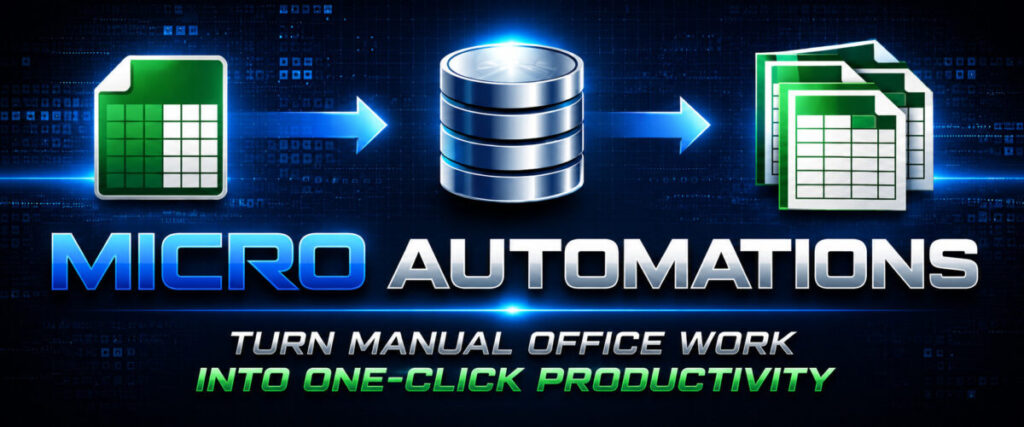



MICRO AUTOMATIONS can do tasks that used to take hours in a few seconds!
Small custom tools that automate one repetitive office task.
INSTANTLY become more productive without having to learn anything new!
I spent 30 years building custom automations for small businesses of all types.
The biggest problems were never large off the shelf software systems.
They were small repetitive tasks that the systems wouldn’t do – and they wasted
hours of time every week.
That’s why I created Micro-Automations – so you could start replacing those tasks and at an extremely low cost!
Open to USA Residents Only – Here is Why
Questions are arranged in columns called "Stages" and you can click the column title to see all the questions in that stage. When I receive new questions, I review them and add them to the "Verified" stage. When I select a question for an upcoming meeting I will move it to the "Working On It" stage. When it is ready to be covered in a meeting, I will move it to the "Ready" stage.
You can click on any question to view the description, the date it was posted and who posted it. I may also add notes or links to related screen shots.
While viewing a question's description, you can view comments and add a new one. Comments should be constructive and helpful.
While viewing the list of questions in any stage, you can UPVOTE a question by clicking on the button on the right edge. To remove your upvote you can click a second time. Upvotes are a measure of the popularity of a question and make it more likely that they will be covered sooner in an Office Hours meeting.